

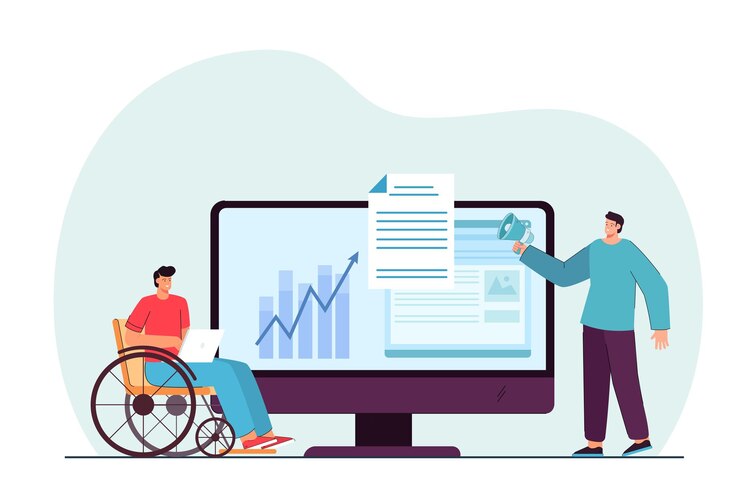
Accessibility testing is implemented to see if a software product is easily accessible to all, including people with impairments. Many governmental authorities have made it necessary for companies to ensure accessibility; failing to do so may result in hefty fines and legal troubles. It’s important to do accessibility testing not just because it’s needed, but also because it is the right thing to do.
Accessibility testing helps promote digital inclusivity and facilitates equal access for all users. It also assists in identifying and addressing any barriers or obstacles in the app that make it difficult for users to access the software.
The effective application of accessibility testing services can bring about considerable advantages and result in success for your software products.
In this article, we’re going to take a look at how you can perform accessibility testing to ensure proper working and compliance with these factors.
How to Conduct Accessibility Testing?
There are two ways to approach accessibility testing: it could be done manually or with the help of specially designed automated testing tools.
These tools are significantly accurate and can quickly perform accessibility testing to help identify any barriers that may impact accessibility for people with impairments. Manual testing involves software testers interacting with the software to look for accessibility issues and ensure legal compliance by testing on platforms that include web accessibility testing, app accessibility testing, or others.
Automated accessibility testing is highly efficient at identifying even the smallest of errors and validating accessibility. However, it will not help identify or verify areas where human logic is essential.
So, today, we’ll be looking at some ways to perform manual accessibility testing.
Performing Manual Accessibility Testing
It can be easy for you to perform manual accessibility testing by using the settings available in the system itself. Important features that generally come with software products that are a necessity to implement and should be tested are:
- Magnifier: A magnifier will allow users to zoom into parts of the screen to ensure better visibility. Its functionality should be tested using this method.
- Text Size: It can help increase the text size for better readability for your users. By using this feature, the readability of the text has to be ensured.
- Keyboard Navigation: This involves interacting with the elements of the software product without using a mouse and only utilizing the keyboard. Furthermore, when navigating through the content, there should be a clear focus indicator. This will assist users with easy navigation.
- Screen Reader Testing: Using the screen reader software within your product, you should check to see if all elements and content are properly announced or not.
- High Contrast Checks: While going through your application or system, you should enable color contrast to check and see if the content is still viewable and readable, mainly for users with visual disabilities. Tools such as WAVE, Contrast, Stark, etc. are significantly helpful for this.
- Alt Text for Images: To ensure viewability for users with visual disabilities, it is necessary to ensure that alternative text is available for images.
- Audio & Video Accessibility: When performing accessibility testing, it is necessary to check that the audio and video content on your software product contains captions and transcripts. This would assure content availability for people with hearing impairments.
Conclusion
Described above are software elements that should be tested to guarantee ease of use for all users, including those with impairments. Besides that, there are other testing processes implemented to validate important components of a software product, such as functional testing services, performance testing services, usability testing services, and more.
Accessibility testing is equally integral to helping your software product reach more people. It further helps cement your company’s status as a reliable and consumer-oriented company in your audience’s eyes and drives success.


